Share this page

What are Rallies?

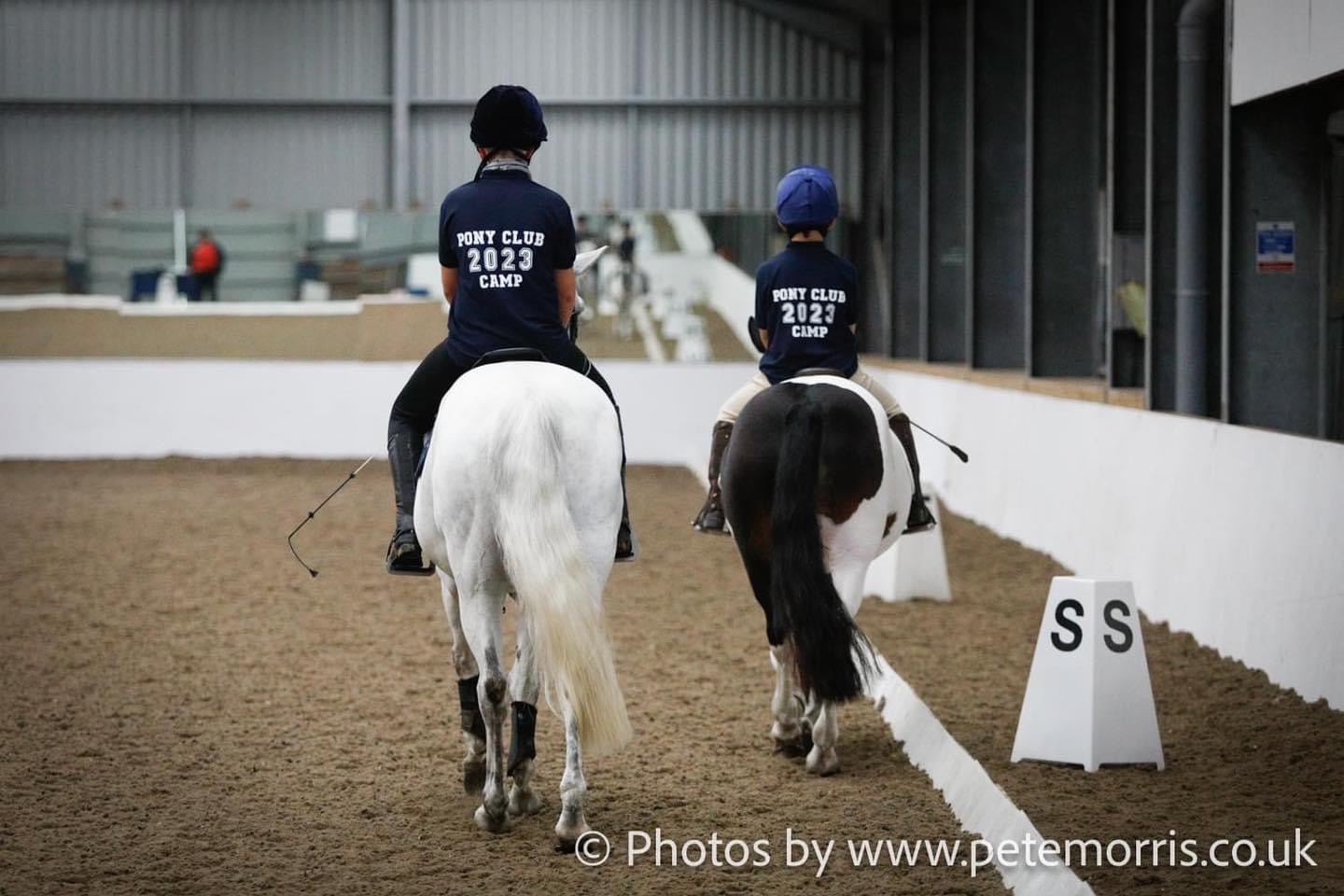
Rallies are Pony Club training sessions where members come together to develop their riding skills, horse care knowledge, and confidence in a fun and supportive environment. Led by qualified coaches, rallies cover a variety of topics, including flatwork, jumping, cross-country, stable management, and teamwork, helping riders progress while enjoying time with their ponies and friends.

At Atherstone Pony Club, we offer rallies for riders of all ages and abilities. From those just starting out on the lead rein, to more experienced riders who ride independently, our programme provides opportunities for everyone to learn, improve, and enjoy being part of the Branch. Our rallies are designed to support each member’s development, helping them build skills, confidence, and friendships along the way.

Online Bookings

All rally bookings are taken online via Entrymaster, enabling Members (or their parents/guardians) to book and pay for Atherstone Pony Club rallies and events in a one-step process via an online account with Entrymaster.

Our online booking platform can be found here: https://atherstone.entrymaster.online/ 
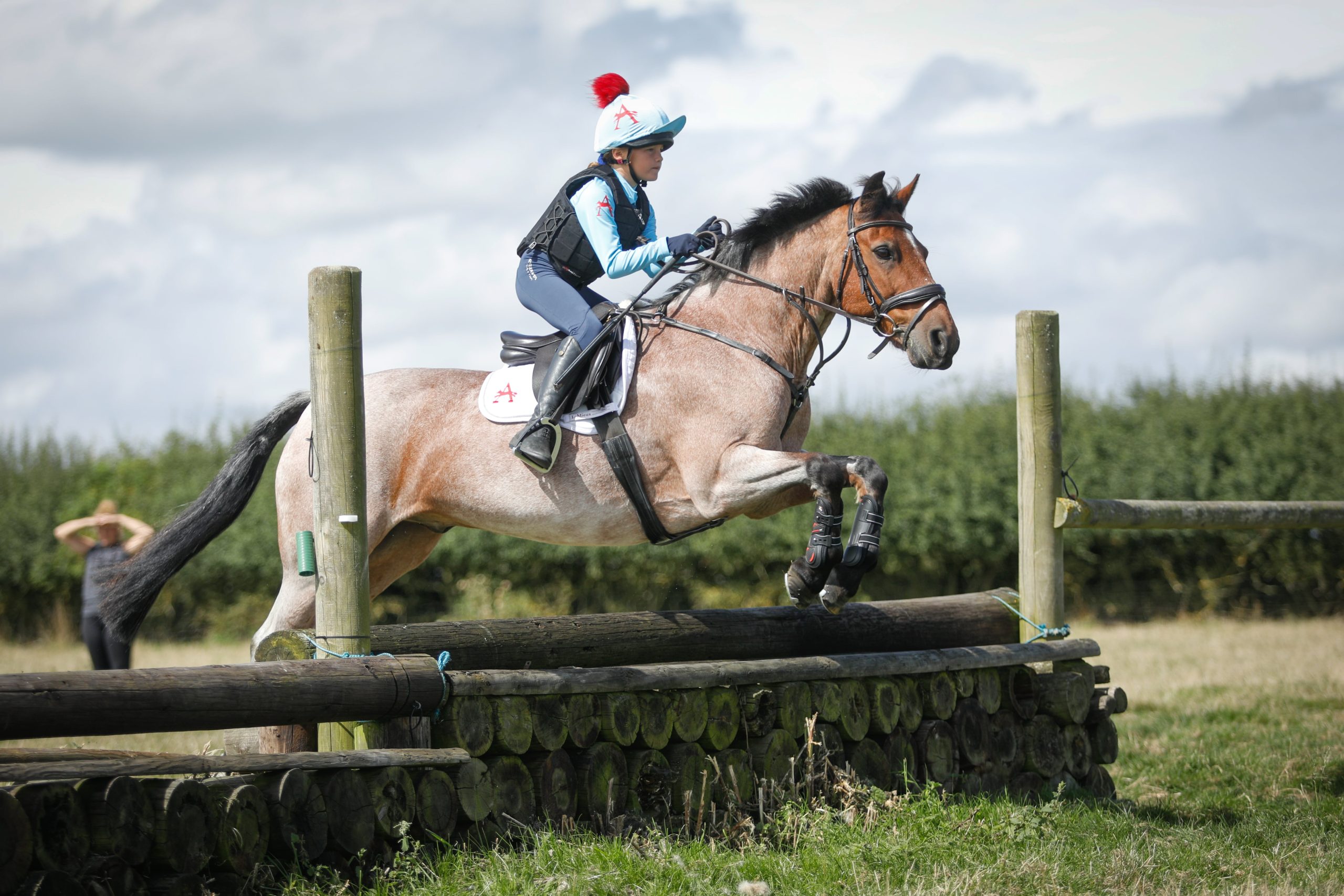
Creating an account with Entrymaster

Members (or their parents/guardians) may register with Entrymaster to create an account under which they may save their own details, their rider’s details (including the Pony Club Membership Number referenced above), and their pony’s details – all this will save time when making future bookings.  To create your account: 

  1. Go to https://atherstonepc.entrymaster.online/ and select ‘Login’ tab (to the right of the homepage photograph). 
  2. Under ‘Don’t have an account?’, select ‘Register’. 
  3. Complete your full name and email address and set a password for your Entrymaster account. 
  4. Tick to accept the Entrymaster terms and conditions, then select ‘Sign Up’ (this will log you in to your account). 
  5. When logged in to your account, select ‘People’ to add rider/member details to your account.  You’ll need to scroll right to the bottom of the page to record your rider’s Pony Club Membership Number, in the ‘<rider name> Membership’ section.  Select the ‘Edit’ option, select ‘Pony Club’ from the drop-down options for ‘Society’, then enter your rider’s ‘Membership No.’ in the relevant field.  You may add multiple riders under your account, making it easy to make rally bookings simply by selecting the relevant rider details from a drop-down menu when making your bookings. 
  6. You can use the ‘Horses/Ponies’ option to add horse/pony details to your account.  This will save time when making future bookings as you may select the relevant horse/pony details from a drop-down menu when making your bookings.